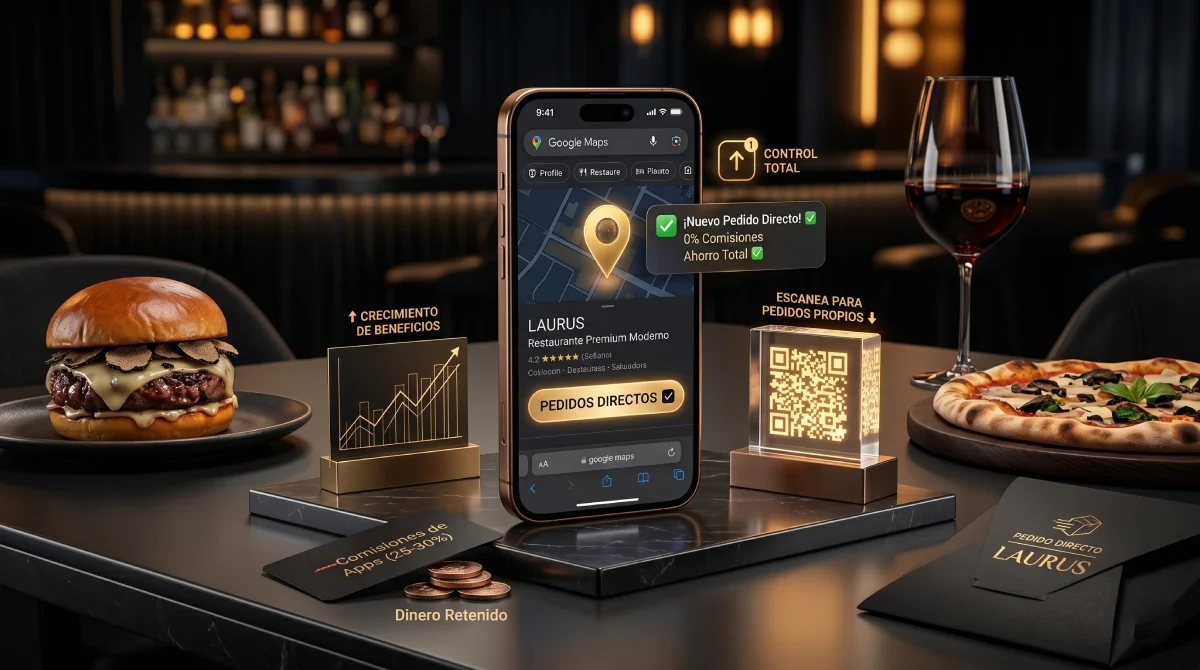
The hijacking of your Google My Business listing
Imagine a customer searching for your restaurant's name directly on Google. They already know what they want; they are already loyal to your brand. However, looking at your Google Maps listing, the giant blue button says 'Order Online' and redirects them straight to Uber Eats or Deliveroo.
Without you doing anything, that platform just took a 30% commission for a customer you had already secured. This happens because apps have agreements to auto-link to your profile, cannibalizing your direct sales and hijacking your organic traffic.
Step-by-step guide to take back control
The good news is that Google allows you to unlink these providers and choose your own official sales channel. Here are the exact steps:
- Log into Google with the account that manages your Google Business Profile.
- In the Google search bar, type your restaurant's name to open the dashboard.
- Click on 'Edit profile' and then on 'Food ordering'.
- Deactivate unwanted third-party links by selecting 'Unlink' (you might need to submit a request through Google's support form in some cases).
The link that makes you money
The ultimate goal is not to remove options, but to centralize them. By configuring your QueAproveche interactive menu link as the official channel, all organic traffic goes straight to your system.
Your customers access a luxury digital menu, without competitor distractions from the same app, and with a 100% profit margin for your business on every sale or booking.